 22 Jun, 2026
 Industry News Design & Manufacturing
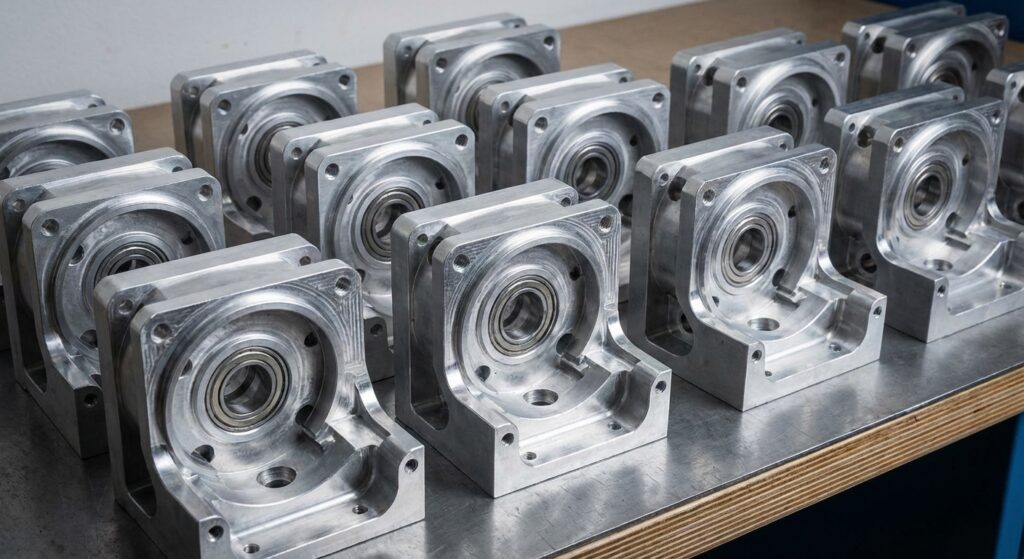
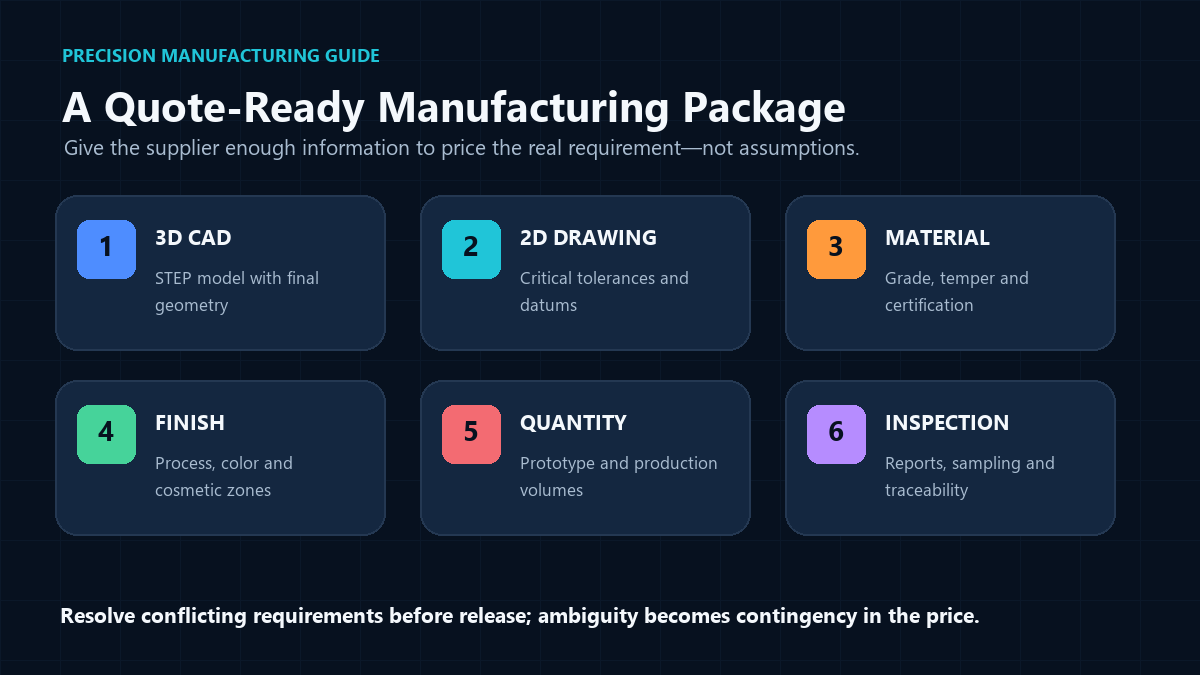
Your CAD model needs three things to get a fast, accurate quote: clean, error-free geometry in a neutral format like STEP, clear tolerance and material callouts (not buried in a separate spec sheet nobody reads), and enough context about finish and quantity that a shop doesn’t have to guess. Skip any of these and you’ll either get a quote that’s padded for risk, or a quote that’s wrong and needs revision after the parts are already cut. The good news? Fixing this takes maybe 15 extra minutes before you hit send.
Here’s a mistake we see constantly: someone exports a STEP file straight from their CAD software, zero cleanup, and fires it off expecting a same-day quote. The geometry might look fine on screen. But open it in a different CAD kernel and suddenly there are gaps in surfaces, duplicate faces, or non-manifold edges that make automated quoting tools choke.
A shop’s estimator then has to manually patch the model or kick it back to you with questions — and every round-trip email adds a day to your timeline. Before exporting, run a quick geometry check: close any open surfaces, delete construction geometry or reference sketches that don’t belong in the final part, and confirm the model represents the as-machined part, not a design intent sketch with extra stock.
STEP (.stp or .step) is the safest bet because it’s a neutral, ISO-standard format that translates cleanly between SolidWorks, Fusion 360, Inventor, and most CAM software. Native files (like .sldprt) work too if the shop uses the same software, but STEP avoids version-compatibility headaches entirely.
Blanket tolerances kill your pricing. If every dimension on your drawing says ±0.001″, the shop has to quote as if every single feature needs precision machining and 100% inspection — even the mounting holes that would function fine at ±0.010″. That’s how a $40 part becomes a $140 part.
Instead, call out tight tolerances only where they matter functionally — a bearing bore, a press-fit diameter, a mating surface — and let everything else default to a standard machining tolerance (typically ±0.005″ for most CNC work). This single change often has more impact on quote price than material choice. For a deeper breakdown of how to decide what’s actually critical, check out Understanding Tolerances: How Precise Does Your Part Really Need to Be?
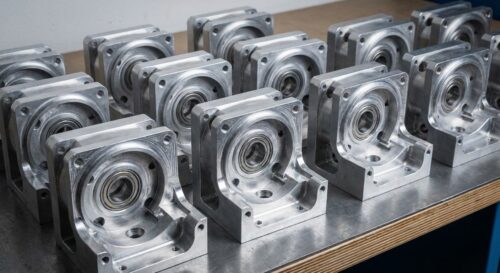
A robotics startup we worked with had a gearbox housing with 22 dimensions all toleranced at ±0.002″. Only four of those — the bearing bores and one shaft alignment feature — actually needed that precision. Relaxing the rest to ±0.005″ cut the quoted price by almost 30%, with zero change to how the part performed.
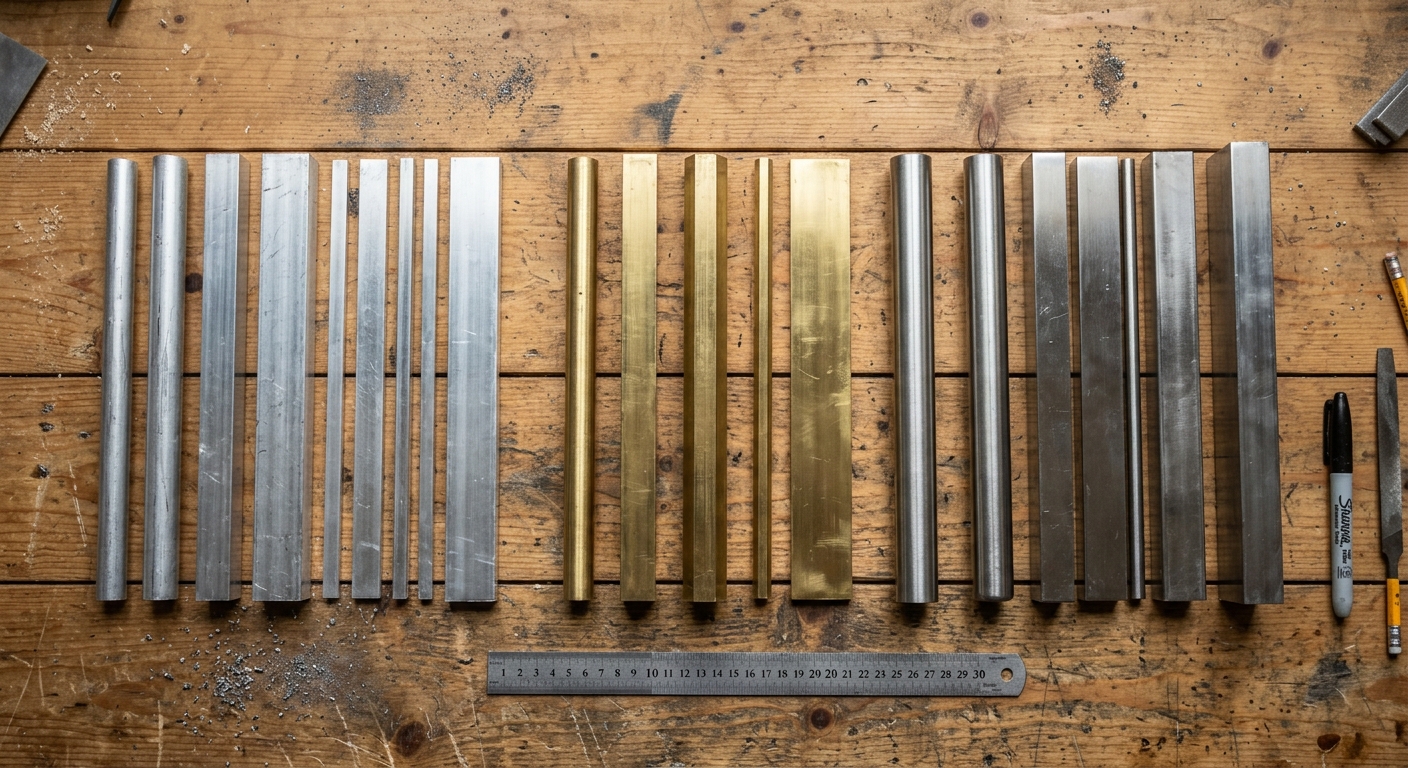
Saying you want an “aluminum part” is like ordering “pasta” at a restaurant — technically an answer, but not one anyone can act on. There are dozens of aluminum alloys, and 6061-T6 machines and costs differently than 7075 or 5052. Same story with stainless: 303 machines far easier than 316, but 316 has better corrosion resistance for marine or medical use.
Include the exact alloy and temper/condition in your model notes or accompanying spec sheet. If you’re not sure which material fits your application, browse our materials guide before you request a quote — it’ll save you a back-and-forth email and possibly a redesign. Machining stainless in particular has its own quirks worth understanding; see our guide to machining stainless steel for surface quality considerations.
Does the part need to look good, or just function well? That’s a real question — cosmetic finish requirements (no visible tool marks, uniform bead blast, anodizing color match) add cost and time that functional-only parts don’t need.
Be specific about which surfaces matter. A customer-facing enclosure might need a Type II anodized finish on the outside but nothing special on internal mounting faces. Note this directly on your model with finish callouts per face, or in an attached PDF referencing feature IDs. Our surface finishing page breaks down common options like anodizing, bead blasting, and passivation if you’re not sure what to specify.
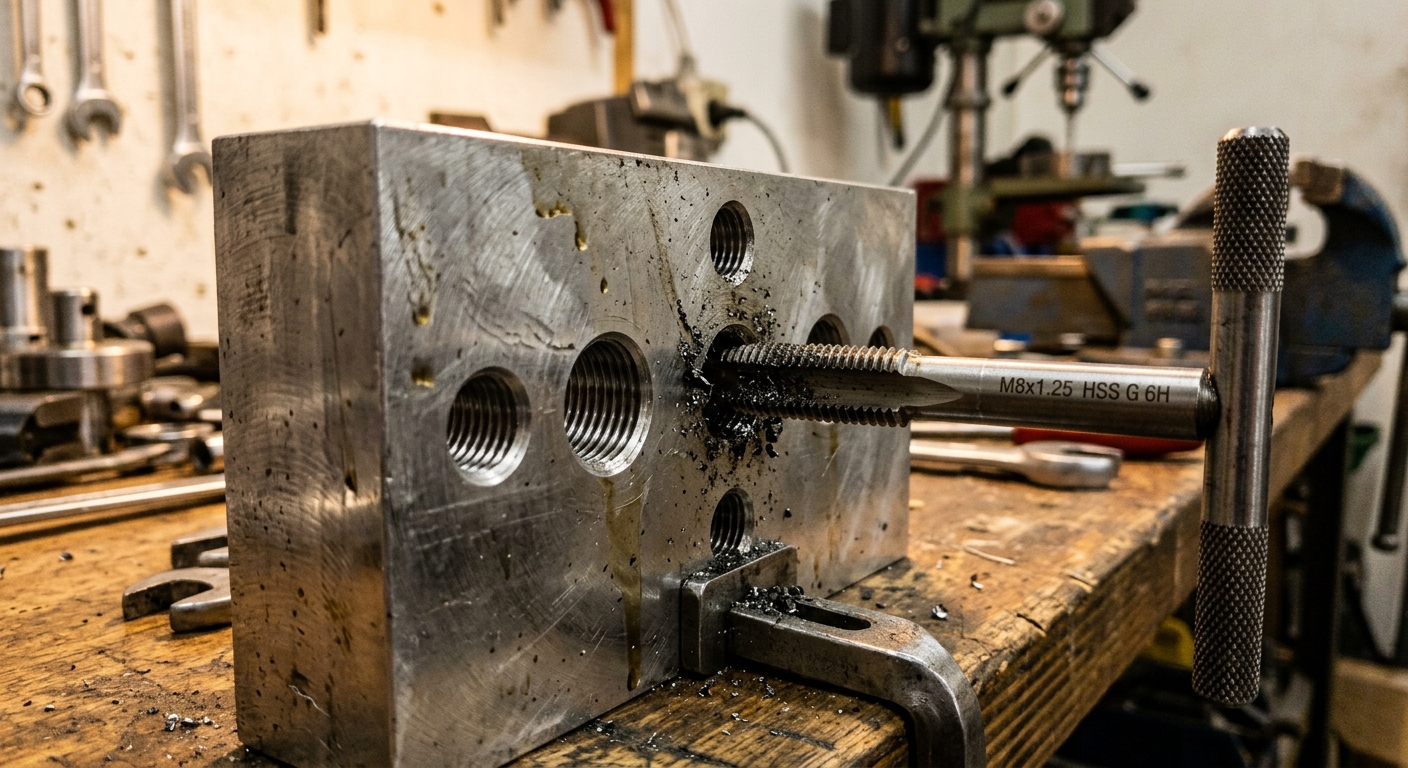
A shocking number of quote-delay emails start with: “Is this hole supposed to be threaded?” CAD software defaults often model threaded holes as plain cylinders with a cosmetic thread annotation that doesn’t always survive export to STEP. If your part needs a 1/4-20 tapped hole, model it as a real thread feature or clearly annotate thread size, pitch, and depth in the file or drawing.
Same goes for countersinks, counterbores, and press-fit holes — dimension the depth and angle, don’t just eyeball it in the 3D view. Missing thread specs are one of the top reasons quotes get sent back with “need more info” instead of a price.
A single prototype and a 500-unit production run aren’t quoted the same way, and shops need to know which one they’re pricing. Setup time gets amortized differently — a part that costs $85 as a one-off might drop to $22 at quantity 100 simply because the fixturing and programming cost gets spread across more parts.
If you know you’ll need a production run eventually, say so even when requesting a prototype quote. Many shops will quote both and show you the breakpoint where volume pricing kicks in. It also helps them decide whether to route your job through manual programming or optimized CAM cycles built for repeat runs.
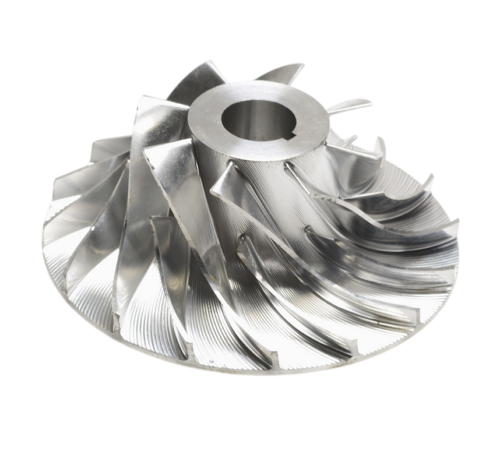
Some geometry is just expensive to machine, full stop — deep pockets with small radii, thin walls that need extra support during cutting, or internal features that require multiple setups and repositioning. None of these are dealbreakers, but they’re worth knowing about before you’re surprised by a number.
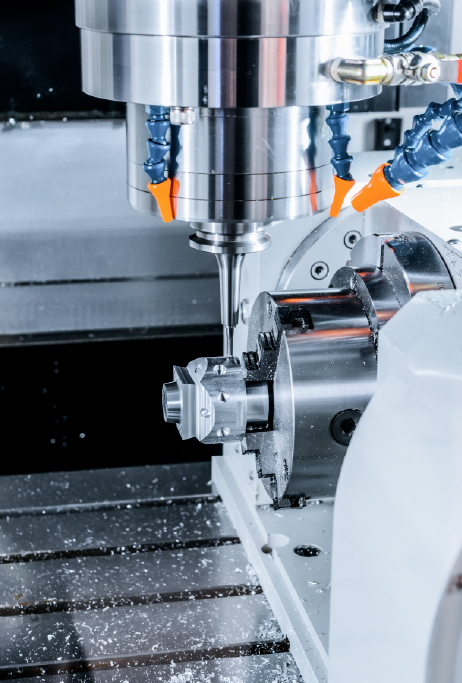
If your part needs a 5-axis setup because of complex compound angles, that’s a different cost bracket than a simple 3-axis prismatic part — worth understanding the tradeoff in 5-Axis vs 3-Axis CNC: When You Actually Need It. And if your model has thin unsupported walls, they can warp during machining — something to flag proactively rather than discover after a bad first article. For general design guidance that keeps costs down without limiting function, see Design for CNC Machining: 10 Tips to Reduce Cost.
Put it all together and a solid quote request includes: a clean STEP file with correct final geometry, a PDF drawing with only the tolerances that matter called out, exact material and temper, finish requirements per surface, thread/hole specs, target quantity, and any deadline constraints. That’s it — you don’t need a 40-page spec document for most jobs.
For reference on what shops can actually produce and inspect, it helps to browse a shop’s capabilities page before finalizing your design, and look at real project cases to see how similar parts were handled. It’ll give you a realistic sense of what’s routine versus what needs extra conversation.