 05 Mar, 2026
 Industry News Machining Basics
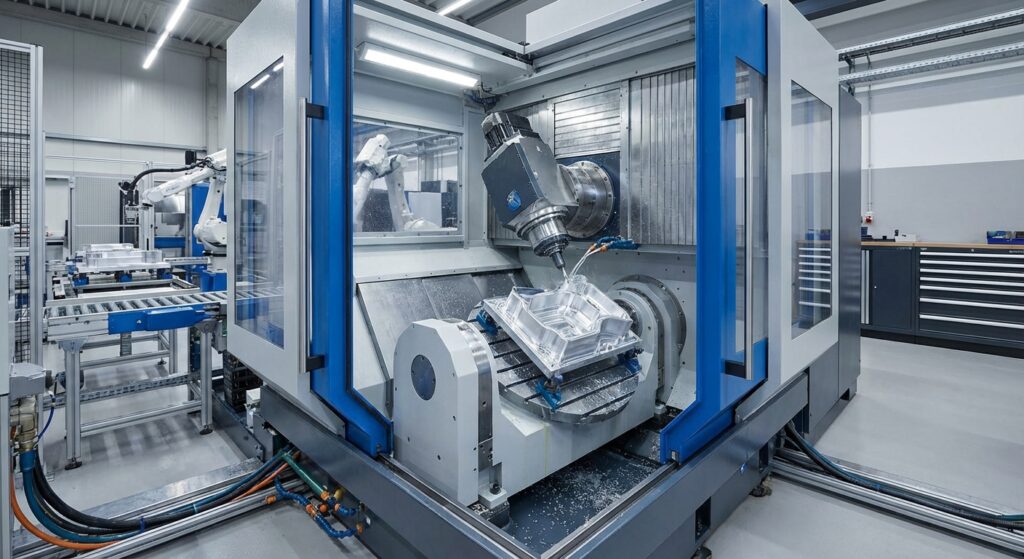
You need 5-axis CNC when your part has angled faces, undercuts, or curved surfaces that can’t be reached in a single setup on a 3-axis machine — otherwise, 3-axis is cheaper and just as accurate. The decision isn’t about which machine is ‘better.’ It’s about geometry, tolerance stacking, and whether re-fixturing your part multiple times will introduce errors you can’t afford.
Here’s a mistake a lot of buyers make: they think 5-axis is just ‘3-axis plus fancier motion.’ Wrong. The real advantage is how many times your part gets touched, unclamped, and re-clamped during production.
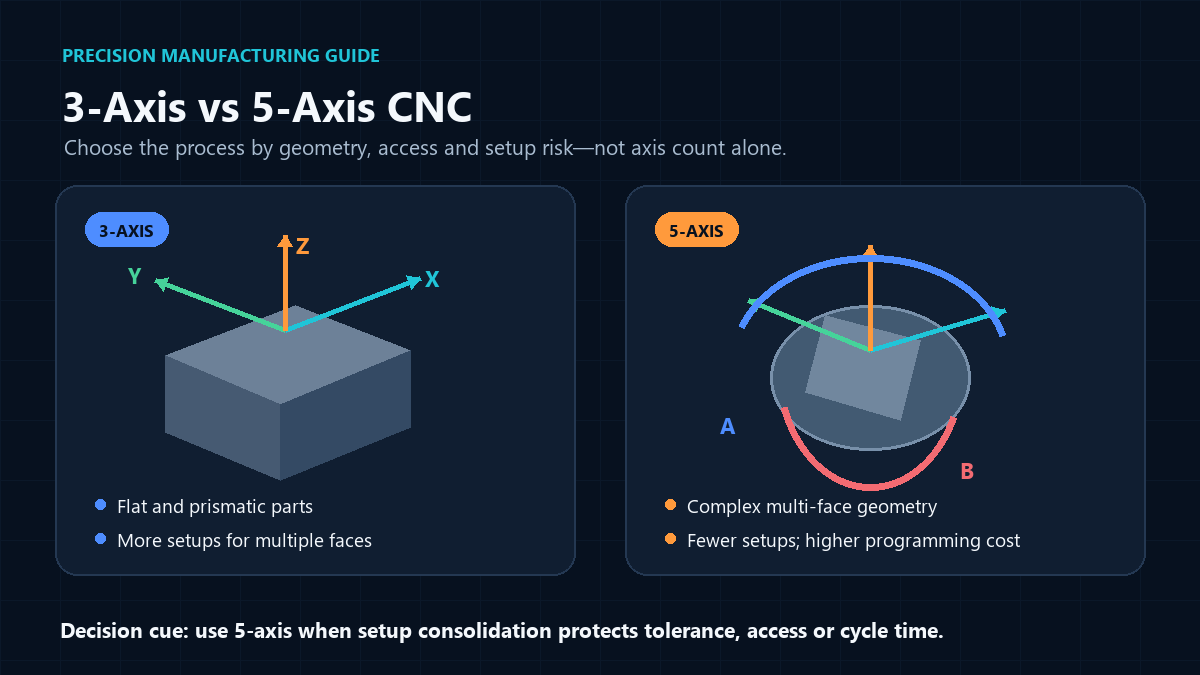
A 3-axis mill moves the cutting tool along X, Y, and Z — straight lines only. To machine a feature on a different face, the operator has to stop, unclamp the part, flip it, and re-fixture it. Every re-fixture is a chance to introduce a few thousandths of misalignment. Do that three or four times on a complex part, and your tolerances start stacking up in ways that are hard to predict.
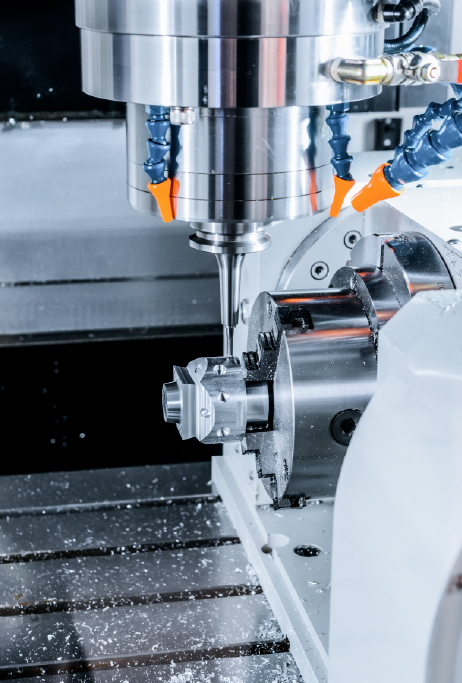
A 5-axis machine adds two rotational axes (usually labeled A and B, or A and C) so the cutting head or the table itself can tilt and rotate. That means the tool can approach a part from nearly any angle without ever unclamping it. One setup, one origin point, dramatically less accumulated error.
Don’t let anyone talk you into paying a 5-axis premium for a part that doesn’t need it. If your design is mostly flat faces, straight pockets, drilled holes, and simple profiles, 3-axis will get you there faster and cheaper — full stop.
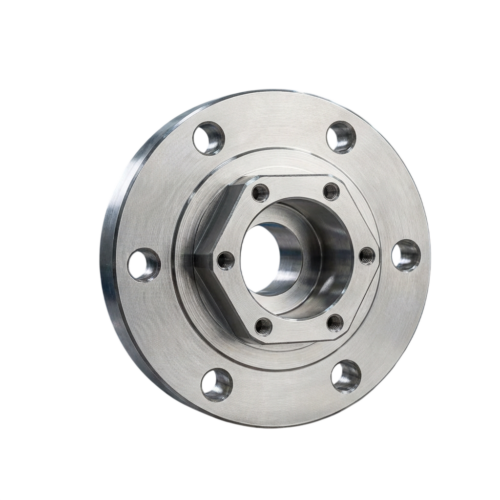
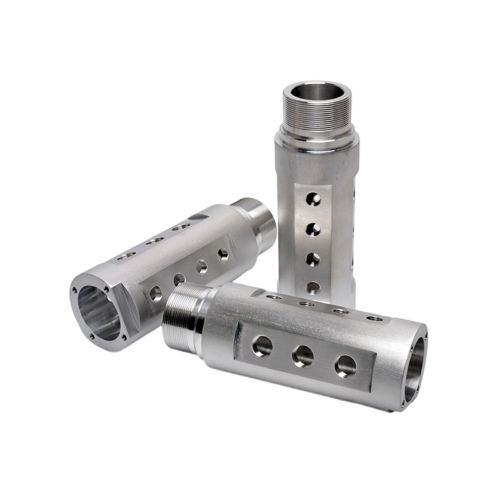
3-axis machining shines for brackets, mounting plates, enclosures, and most prismatic parts. Programming is simpler, setup time is shorter, and shop rates run roughly 30-50% lower than 5-axis. For a lot of production runs, that difference matters a lot more than shaving a few minutes of cycle time.
For general guidance on keeping costs down regardless of machine type, our design for CNC machining cost-reduction tips cover a lot of ground here.
There are three situations where 5-axis stops being a nice-to-have and becomes the only realistic option: compound-angle geometry, tight tolerances across multiple faces, and thin-walled or delicate parts that can’t survive repeated re-clamping.
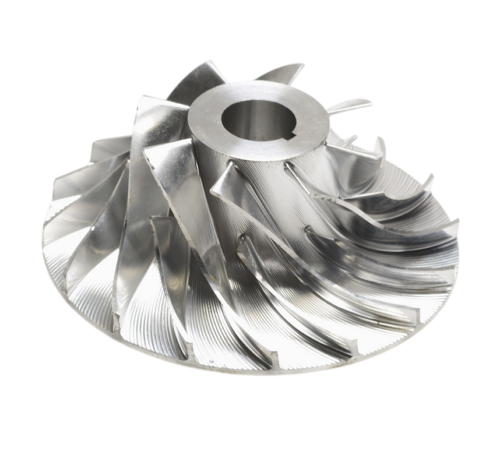
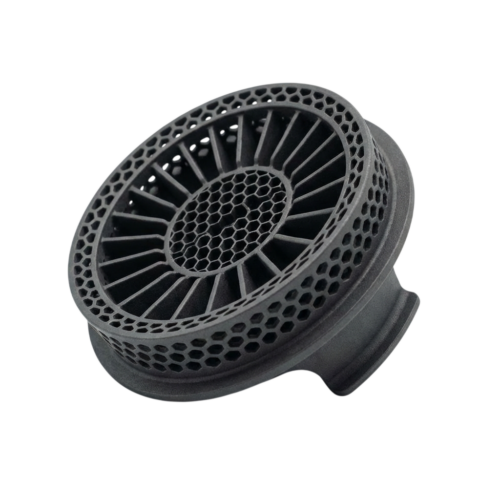
Think turbine blades, impellers, or medical implants with organic curved surfaces. A 3-axis machine simply can’t reach these geometries without leaving witness marks or requiring custom fixtures that cost more than the 5-axis premium would.
If a feature on face A needs to stay within 0.02mm of a feature on face B, every re-fixture is a liability. Machining both in one 5-axis setup removes that risk entirely. We cover how tolerance stacking affects part quality in more detail in Understanding Tolerances: How Precise Does Your Part Really Need to Be?
A drone manufacturer we worked with needed a titanium gimbal housing with angled mounting bosses on five different faces. On 3-axis, that meant six separate setups and a two-week lead time with a high scrap rate from misalignment. Switching to 5-axis dropped it to one setup, cut lead time to four days, and scrap dropped to nearly zero.
5-axis machines aren’t just more expensive to buy — they’re more expensive to run. Expect shop rates of $90-150/hr versus $40-75/hr for 3-axis, depending on your region and shop. That’s before you factor in the programming time, which is significantly higher for 5-axis CAM work.
But raw hourly rate is the wrong number to fixate on. Compare total cost per finished part, not cost per machine-hour. A 3-axis part needing four setups, custom fixtures, and manual alignment checks can easily cost more in labor than a 5-axis part machined in one pass — even at the higher rate.
| Factor | 3-Axis | 5-Axis |
|---|---|---|
| Shop rate | $40-75/hr | $90-150/hr |
| Setups (complex part) | 3-6 | 1 |
| Fixture cost | Can be high for angled parts | Standard fixturing usually sufficient |
| Scrap risk | Higher on multi-face parts | Lower |
Some materials make re-fixturing riskier than others, which tips the scale toward 5-axis even on moderately complex parts.
Thin-walled aluminum or plastic parts can flex or warp slightly every time they’re re-clamped, throwing off subsequent cuts. Hard materials like titanium and hardened steel generate more cutting force and heat, so minimizing tool engagement changes (which 5-axis toolpaths do better) reduces tool wear and chatter. If you’re working with stainless steel and chasing a clean surface finish, check our guide to machining stainless steel for better surface quality — a lot of the finish issues discussed there get worse with repeated re-fixturing.
For softer plastics, 3-axis is usually fine unless the geometry itself demands otherwise — see our breakdown of the best plastics for CNC machining for material-specific guidance.
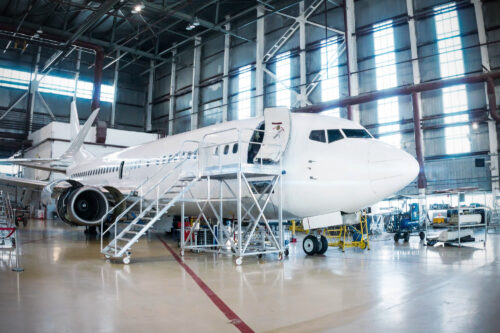
Some sectors have essentially standardized on 5-axis because their parts leave no other option.
If your industry falls into one of these categories, budgeting for 5-axis from the start will save you redesign headaches later. Browse examples of both approaches on our project cases page.
Before you request a quote, run your part through this checklist:
Still unsure? Send your CAD file over and describe your tolerance requirements — our team can tell you within a day which approach actually makes sense for your part, rather than defaulting to whichever machine happens to be free.